Quickstart: your first conversion in 5 minutes
The fastest path from zero to a tracked deposit: create a space, grab a key, fire one event, and watch it land on the dashboard.
Five minutes, one event, one dashboard update. This is the shortest possible path to a working integration — the full integration guide fills in the detail later.
1. Create a space and a link
In the dashboard, create a space (your project) and a link (your funnel entry point). The link gives you a slug and a landing that mints uids.
2. Grab a key
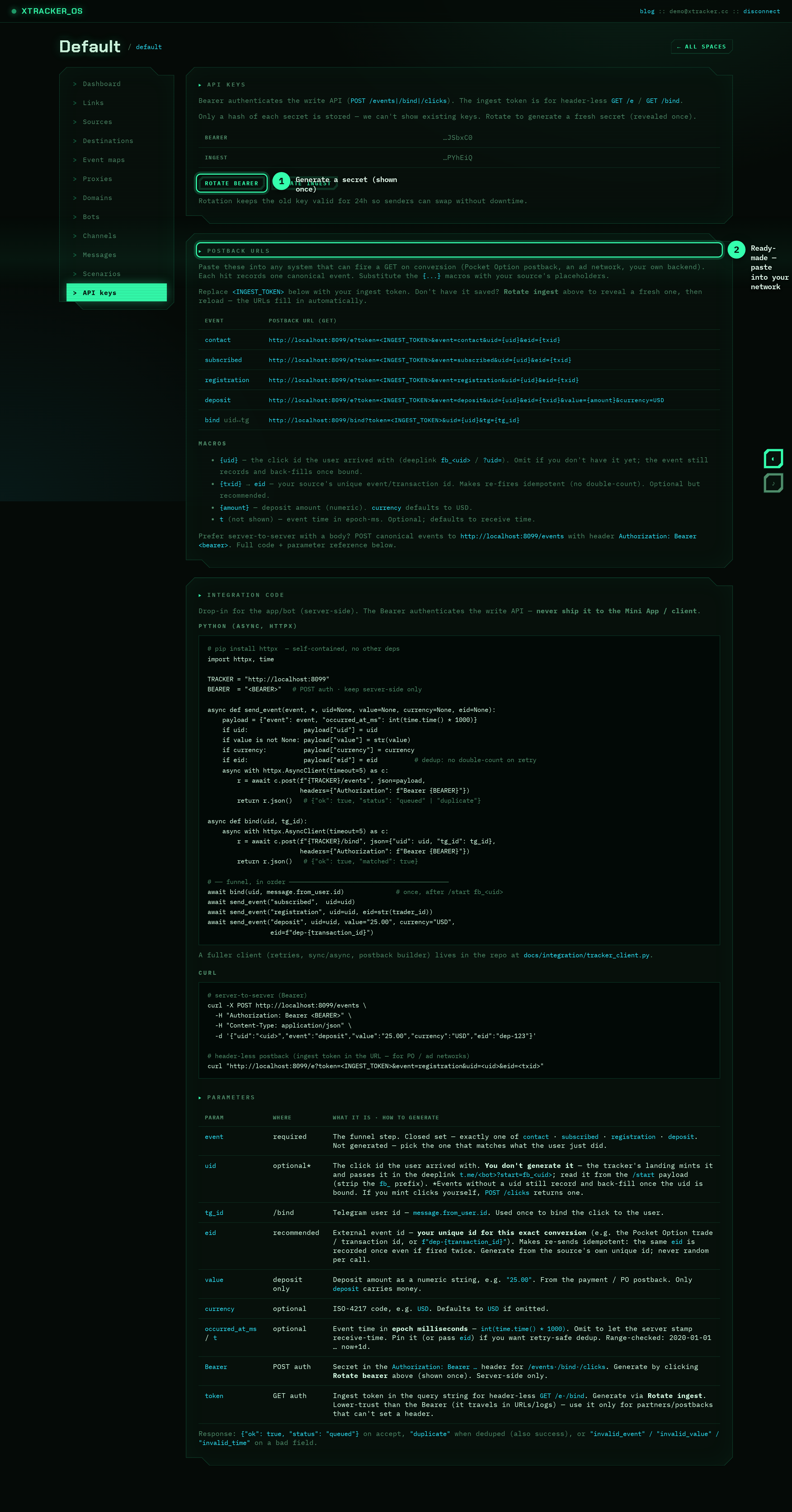
Open API keys → Rotate bearer. Copy the secret (shown once). That's your write credential.
3. Fire one event
curl -X POST https://xtracker.cc/events \
  -H "Authorization: Bearer <BEARER>" \
  -H "Content-Type: application/json" \
  -d '{"event":"deposit","value":"25.00","currency":"USD","eid":"test-1"}'
You'll get back:
{"ok": true, "status": "queued"}
4. Watch it land
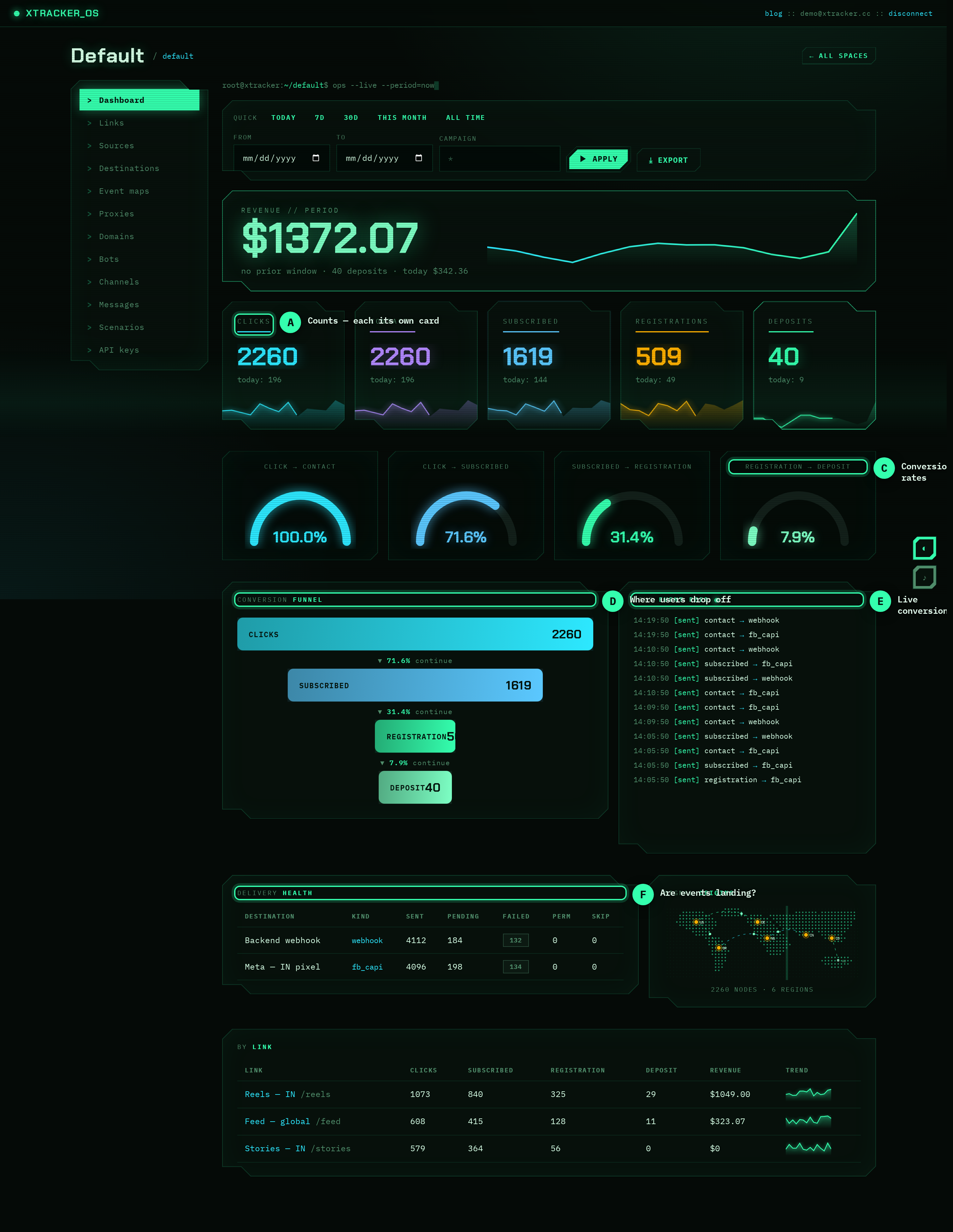
Open your space dashboard. Within a second or two the deposit shows up in the live event feed, the revenue widget ticks up by $25, and the funnel records a deposit.
Fire the same command again — note the response is now "status": "duplicate". That's the eid doing its job: the same external id is never counted twice.
What just happened
You sent a canonical event (deposit) to your space. ramztracker wrote it to a durable inbox, deduped it, and (if you've configured a destination) is already forwarding it to Facebook CAPI / your webhook / a postback.
Next steps
- Integrate your app properly — bind
uids, fire the whole funnel, use the Python client. - Understand canonical events — when to fire each of the four.
- Connect a destination — send conversions to Meta, a webhook, or an affiliate network.
Keep reading
How to find and fix the leak in your funnel
A practical walkthrough: use the funnel breakdown and conversion gauge to pinpoint exactly where users drop off, form a hypothesis, fix one thing, and measure the lift.
PlaybookKeep your finger on the pulse: real-time conversion monitoring
A live dashboard isn't a vanity metric — it's an early-warning system. Here's how watching conversions in real time catches broken funnels and dead campaigns before they burn your budget.
PlaybookSame budget, more deposits: optimizing creatives with per-link data
Clicks lie. Deposits don't. Use per-link attribution to see which creative actually drives revenue — then move spend to the winner and kill the losers.